01
Welcome Back To Workspace
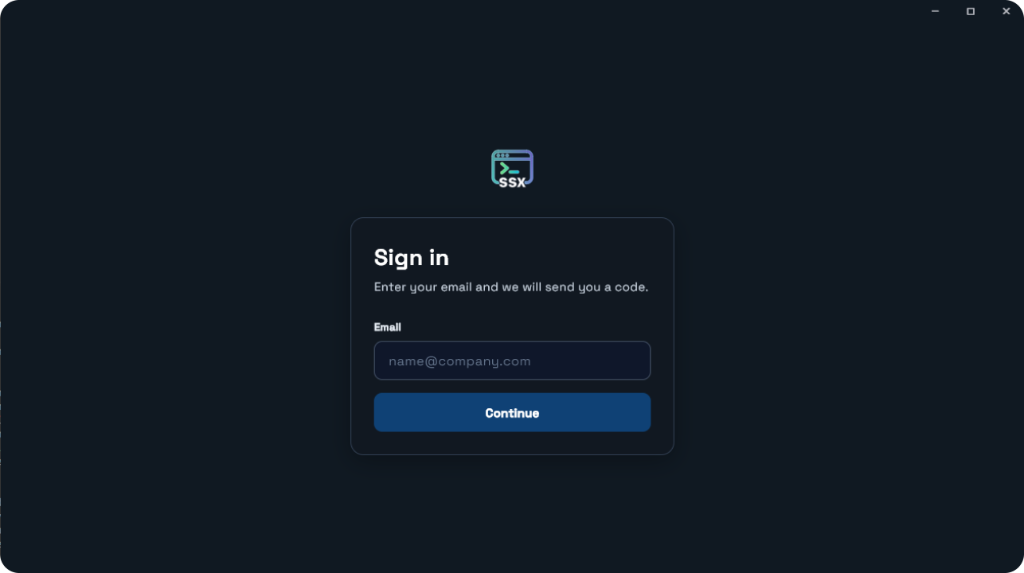
Sign in to continue your journey. Enter your email and SecureShellx sends you a code.
Manage multiple servers from a single secure interface. Your secret keys never leave your machine. Bring your own AI key — we don't include an AI tool.
Every feature designed with one principle: your keys stay with you, your servers stay connected.
Your secret keys never leave your local machine. We use encrypted proxy tunnels — your credentials stay safe on your device.
Connect and manage unlimited servers from one unified interface. Switch between servers instantly with zero re-authentication.
Plug in the API key from the provider you already use. Ask in plain language and get commands for your servers. SecureShellx does not include an AI model.
Connect to any server in under 2 seconds. Auto-reconnect on network drops. SSH, Docker, Kubernetes — all supported.
CPU, memory, disk, network — live metrics for all your servers. Set alerts, view logs, track deployments in real-time.
The dashboard is free forever. AI is not included — use your own key. No hidden fees, no premium tiers, no "upgrade to unlock" walls.
Sign in, connect a server, open a terminal, and browse files from one place.
Sign in to continue your journey. Enter your email and SecureShellx sends you a code.
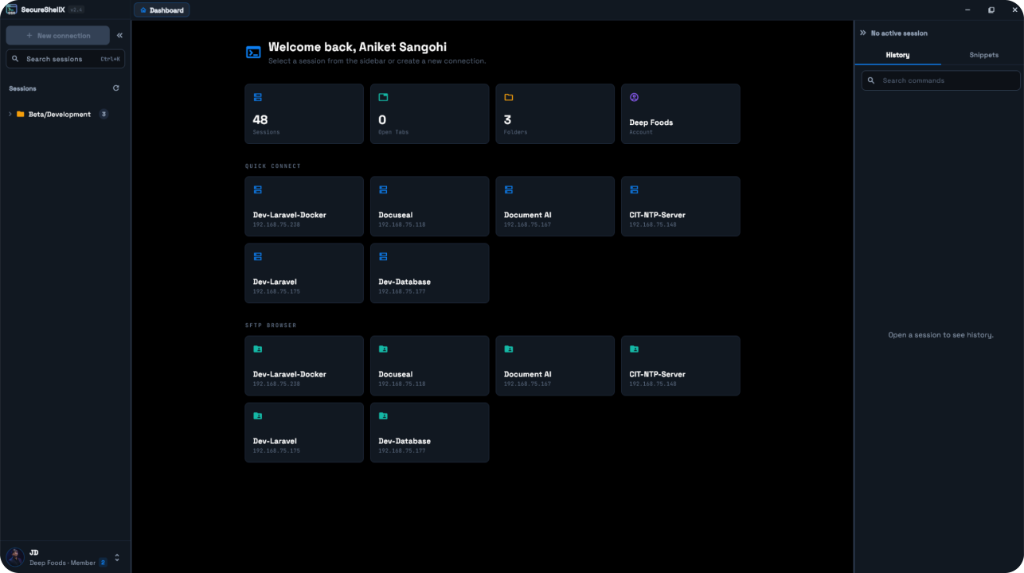
Access all your essential development tools. Sessions, quick connect, and SFTP live on one dashboard.
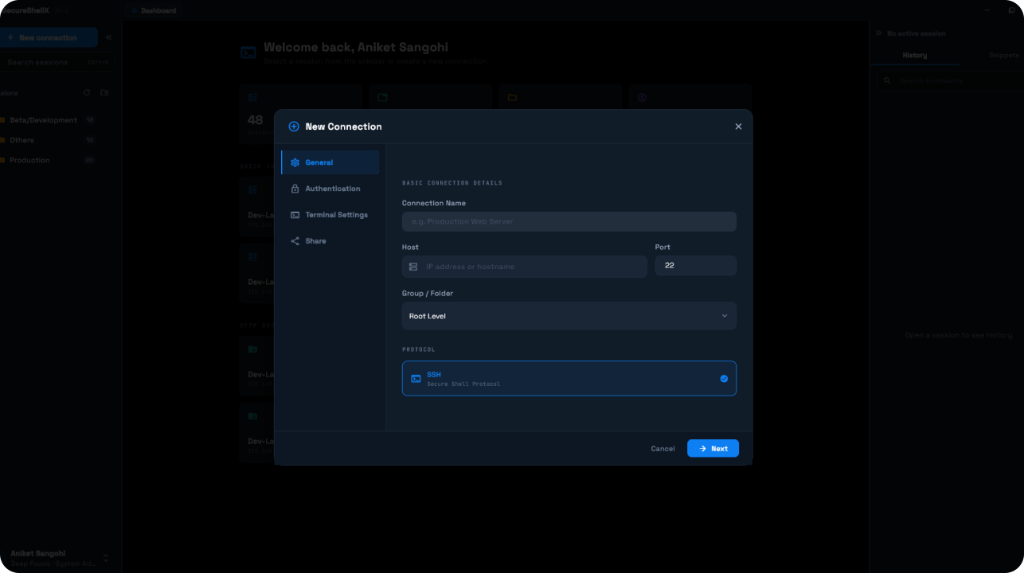
Customize settings for your project. Name the connection, then set the host, port, folder, and SSH.
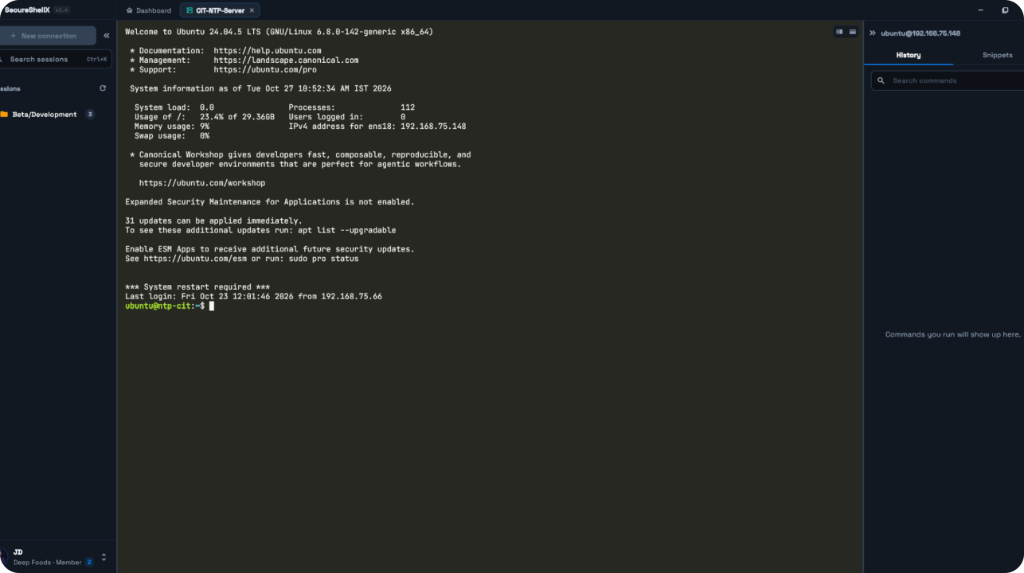
Build, edit, and refine your code efficiently. Open a session and work on the server from the terminal.
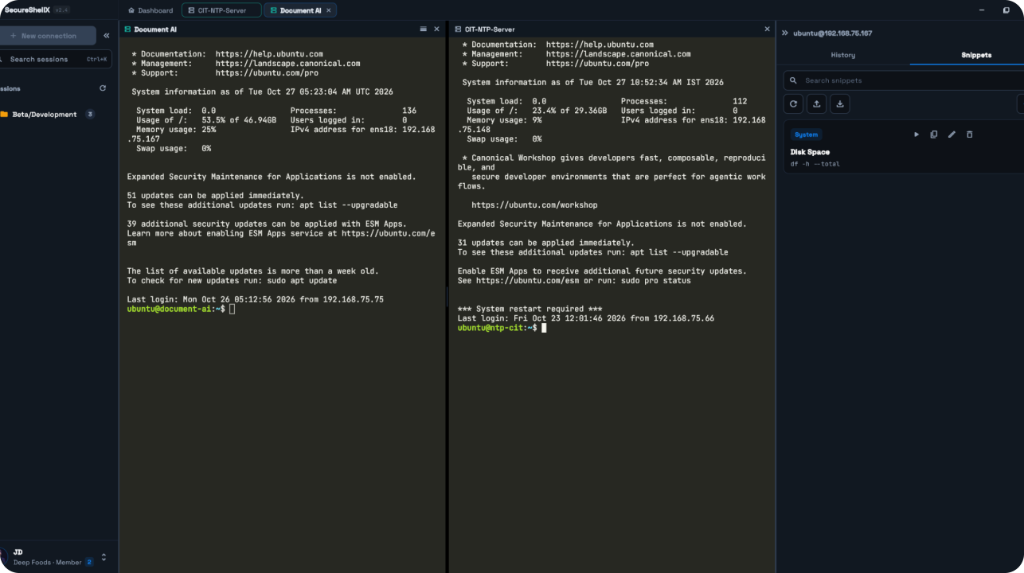
Review multiple files side by side. Keep two sessions open and move between them in the same workspace.
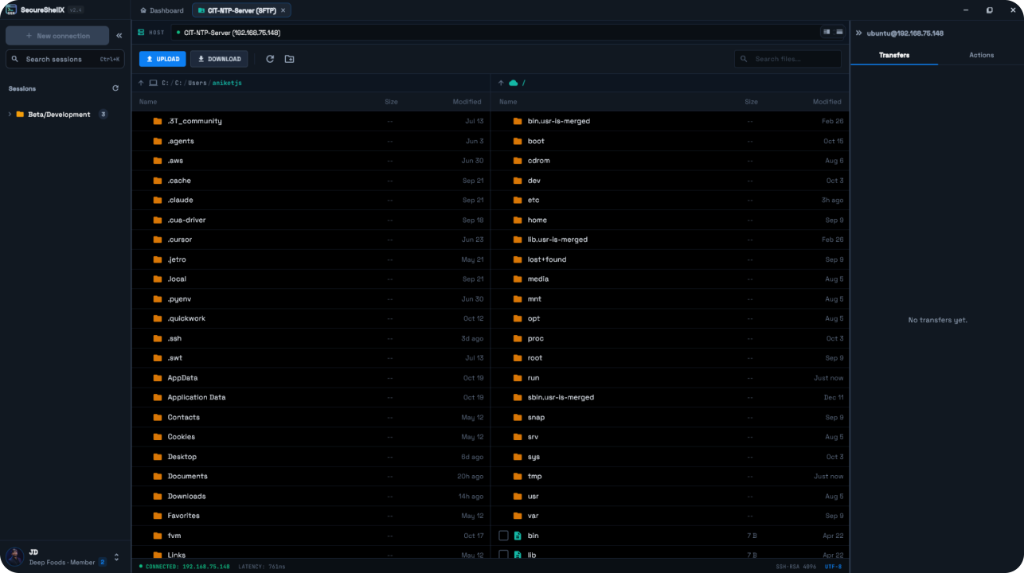
Browse and organize project resources. Upload, download, and move files over SFTP.
SecureShellx does not include an AI tool. Add the API key from the provider you already pay for, and use that model for server questions, debugging, and deploys.
Your secret keys never leave your local machine. We use encrypted proxy tunnels — your credentials stay safe on your device.
Your secret keys never leave your local machine. SecureShellx does not upload, copy, or store them.
We use encrypted proxy tunnels to reach your servers. The session travels through the tunnel. The key stays on your machine.
SSH keys and passwords remain on your device. You never paste them into SecureShellx, and they are never shared with us.
You connect without handing a secret key to another person or server. Your credentials stay safe on your device.
Teams use SecureShellx because the dashboard stays free and secret keys stay on their machine.
"Keys never leave my laptop. I moved three servers onto one dashboard in an afternoon, and nothing asked me to upload a secret."
"I brought my own API key. SecureShellx did not try to sell me an AI plan. That is the whole point."
"Side-by-side terminals and SFTP in the same workspace. It is free, and I stopped waiting for the catch."
Questions about the dashboard, your own AI key, or how keys stay on your machine. Send a note and we will reply.
No signup fees. No credit card. No key sharing. Just connect and go.